Connect to an external IdP
WSO2 Integrator: WebSubHub can be configured to connect with an external Identity Provider (IdP) to enable authentication and authorization for its operations.
This guide demonstrates how to integrate WSO2 Integrator: WebSubHub with WSO2 Identity Server (WSO2 IS) as the IdP. At the time of writing, the version used is WSO2 IS v7.1.
Refer to the WSO2 Identity Server v7.1 official documentation to set up the server locally, then log in to the Identity Server Management Console.
Step 1: Configure the Identity Provider (IdP)
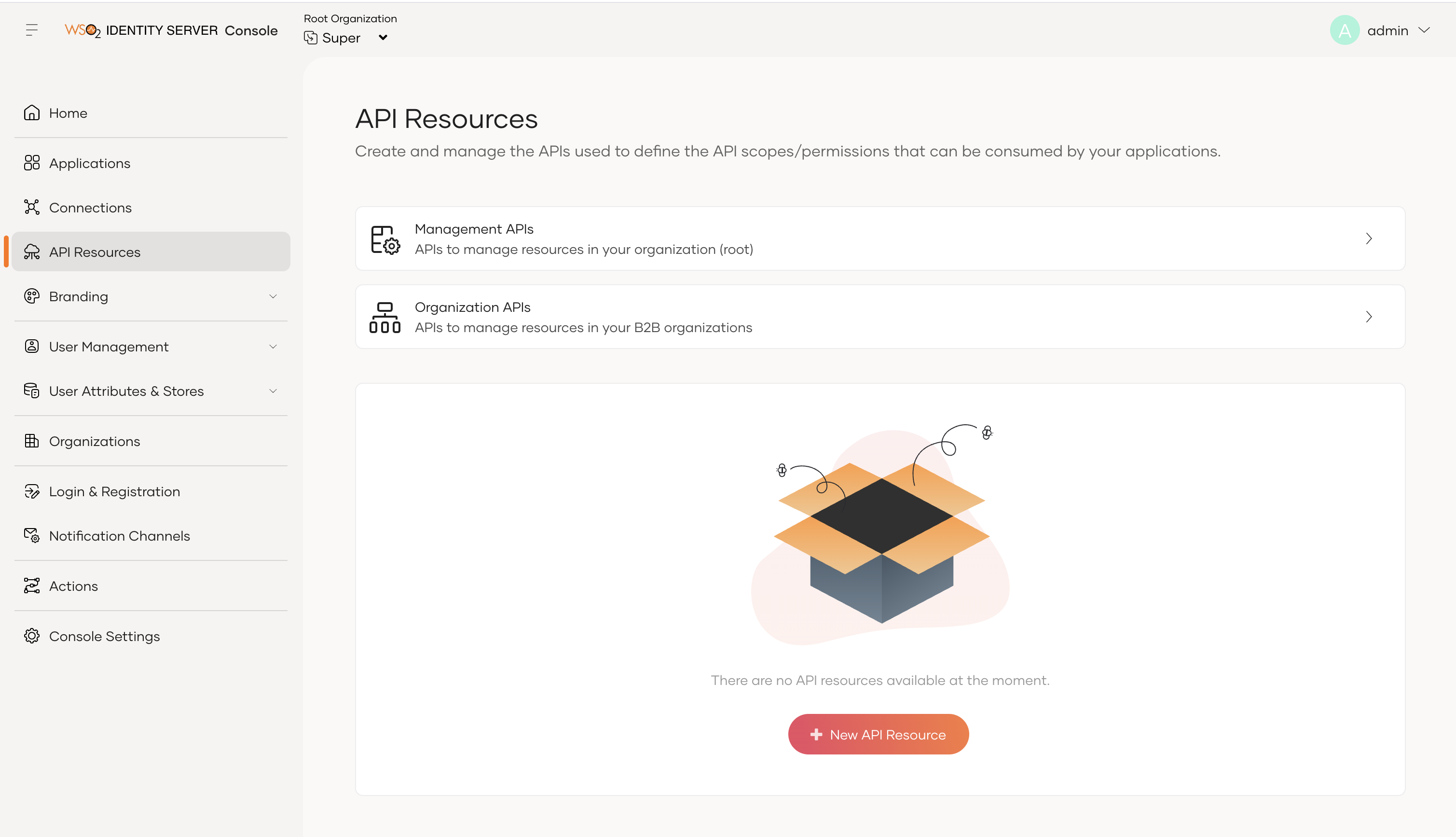
1. First navigate to the API Resources section and add a new API resource.
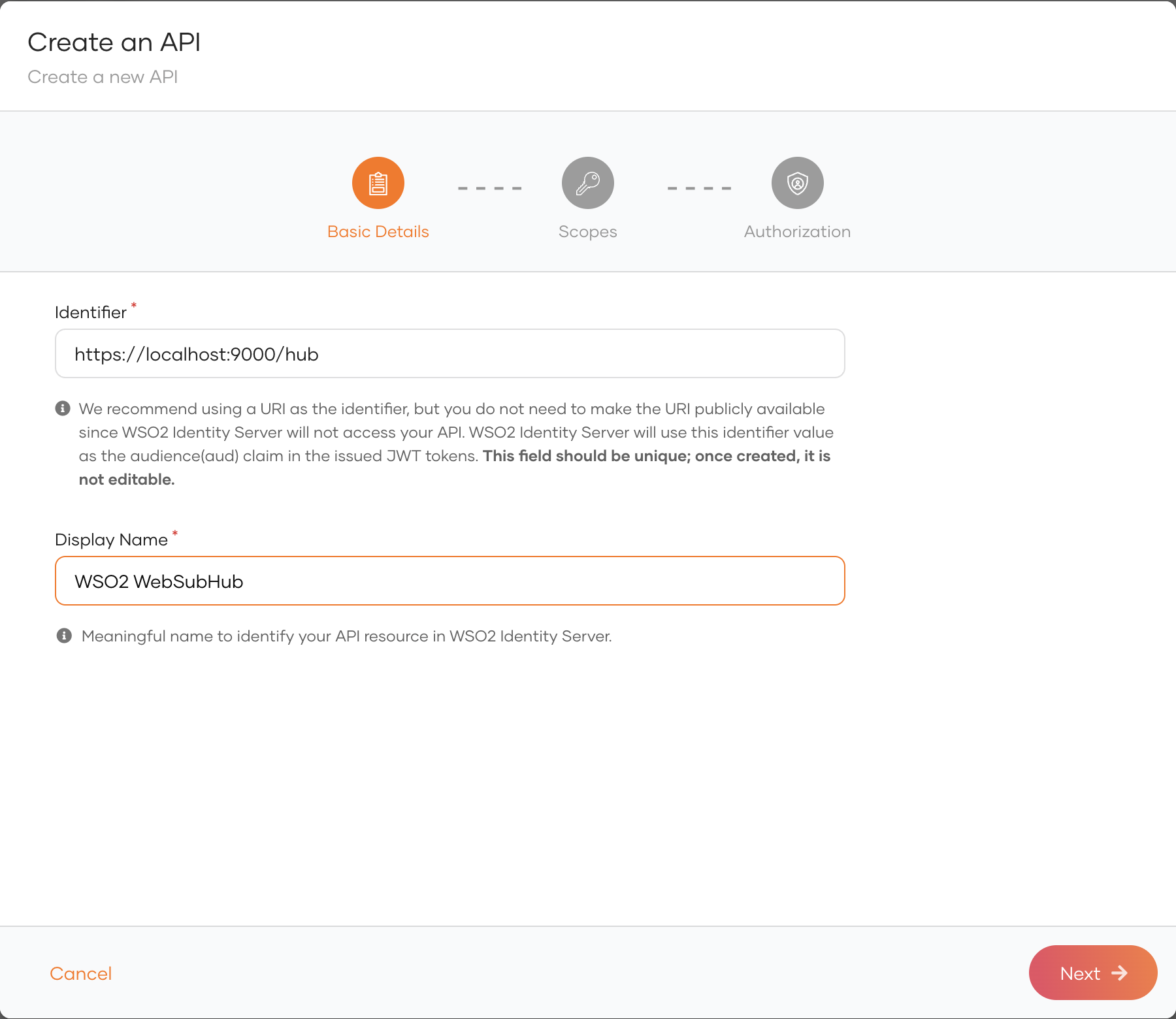
2. Add the Identifier and the Display Name and click on Next.
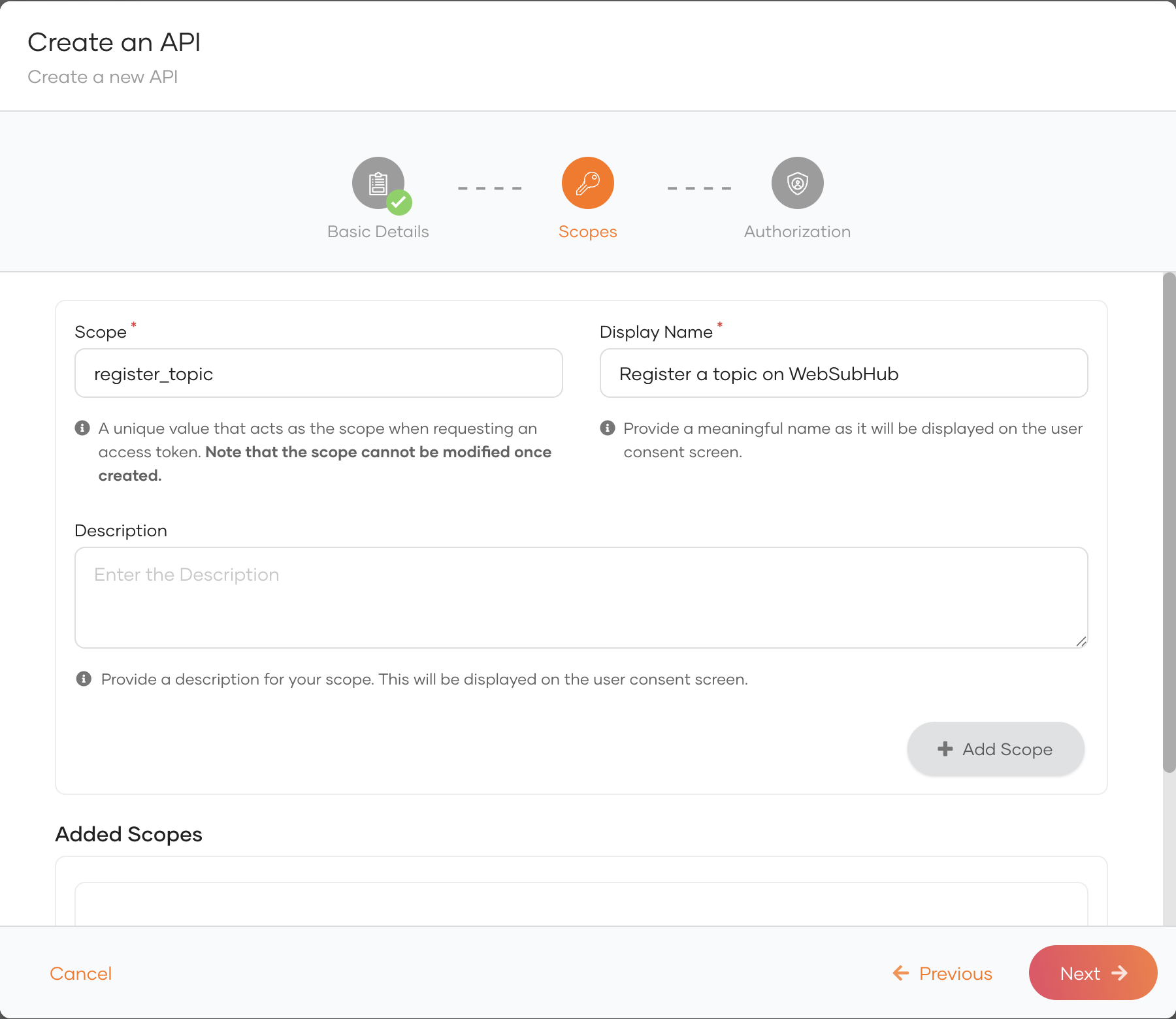
3. Add the required scopes and click Next.
WSO2 Integrator: WebSubHub uses the following scopes: register_topic, deregister_topic, subscribe, unsubscribe, and content_update. Ensure these are added before proceeding.
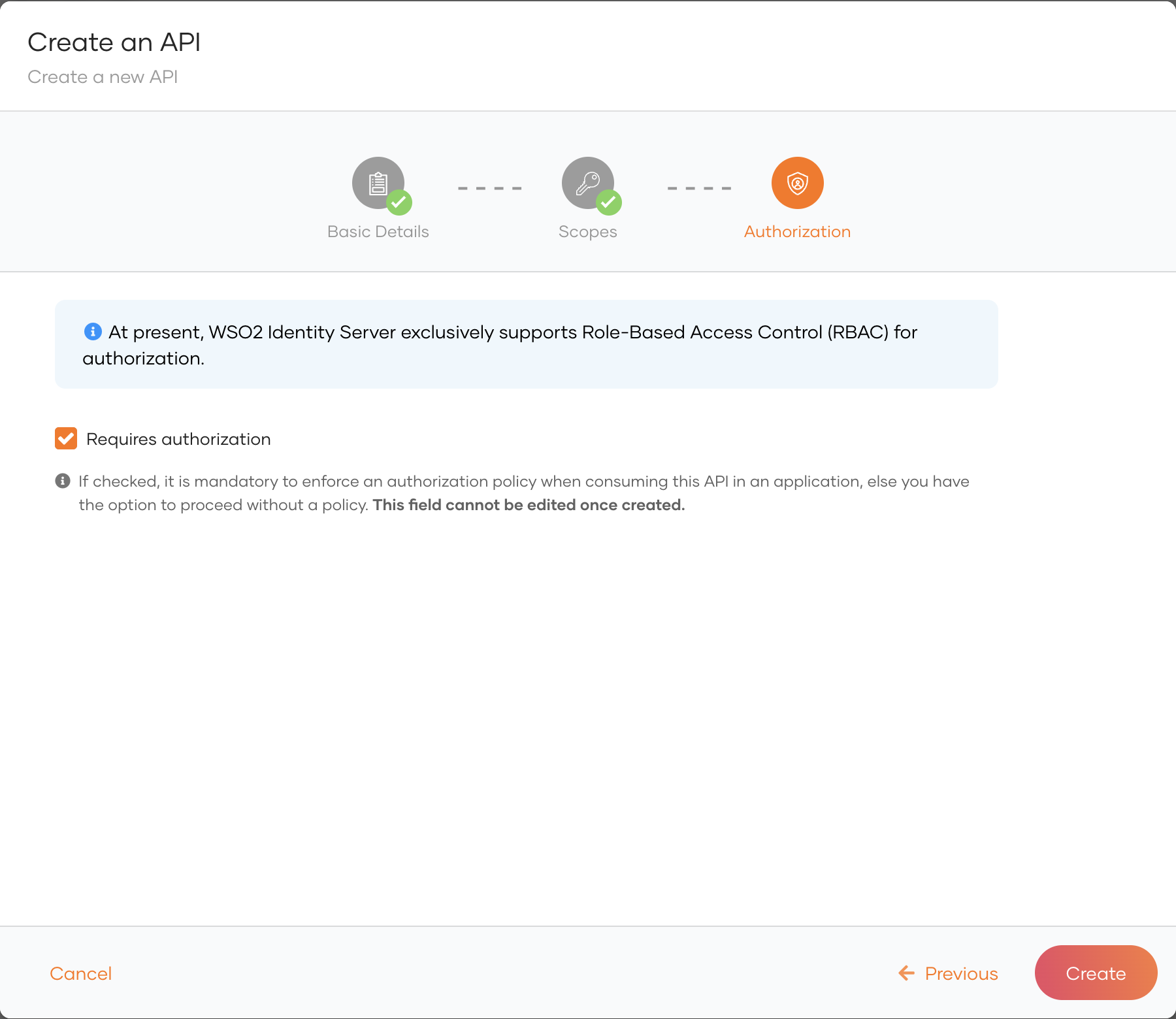
4. Once completed click on Create.
5. Then navigate to the Applications tab and create a new application.
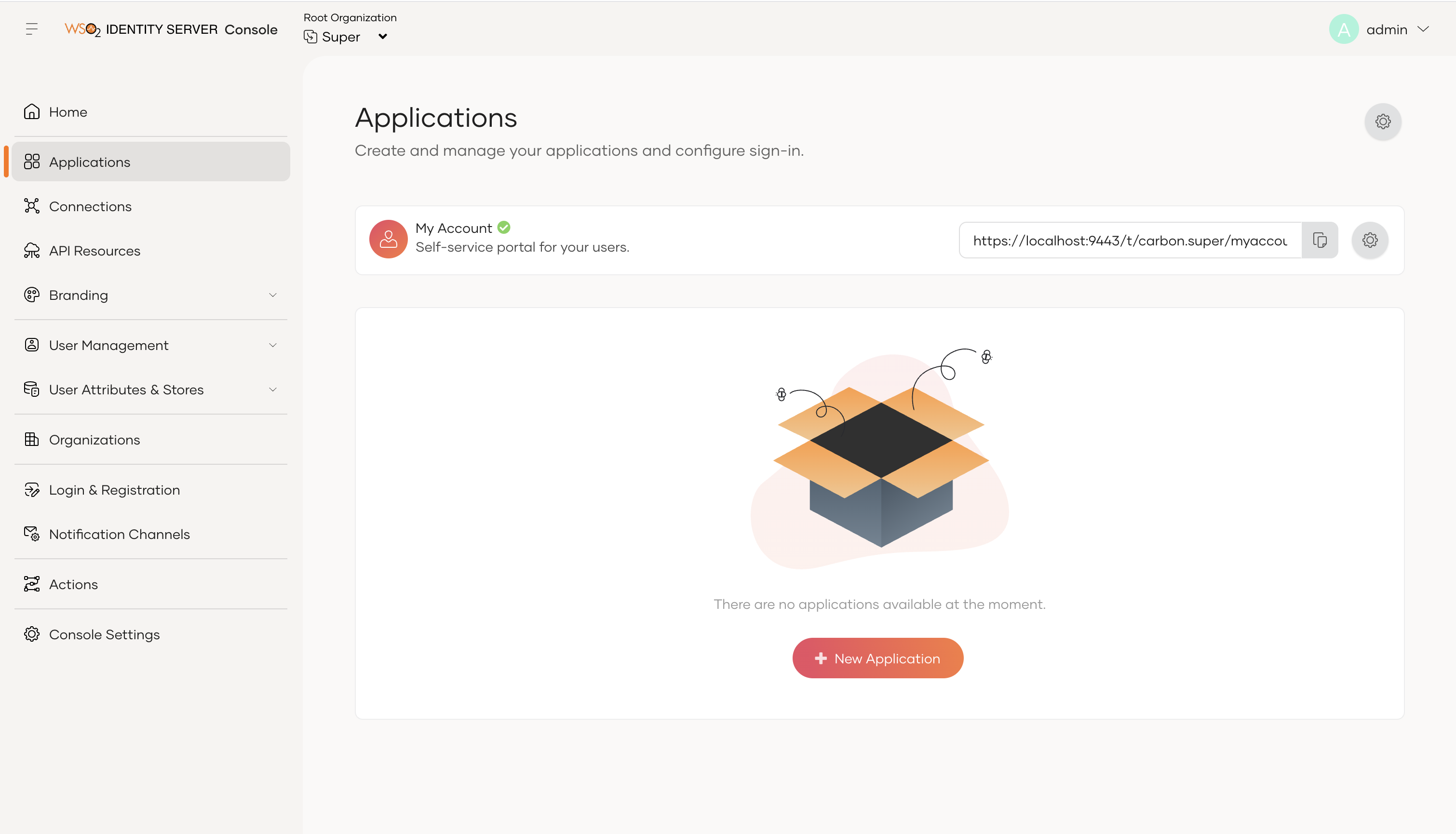
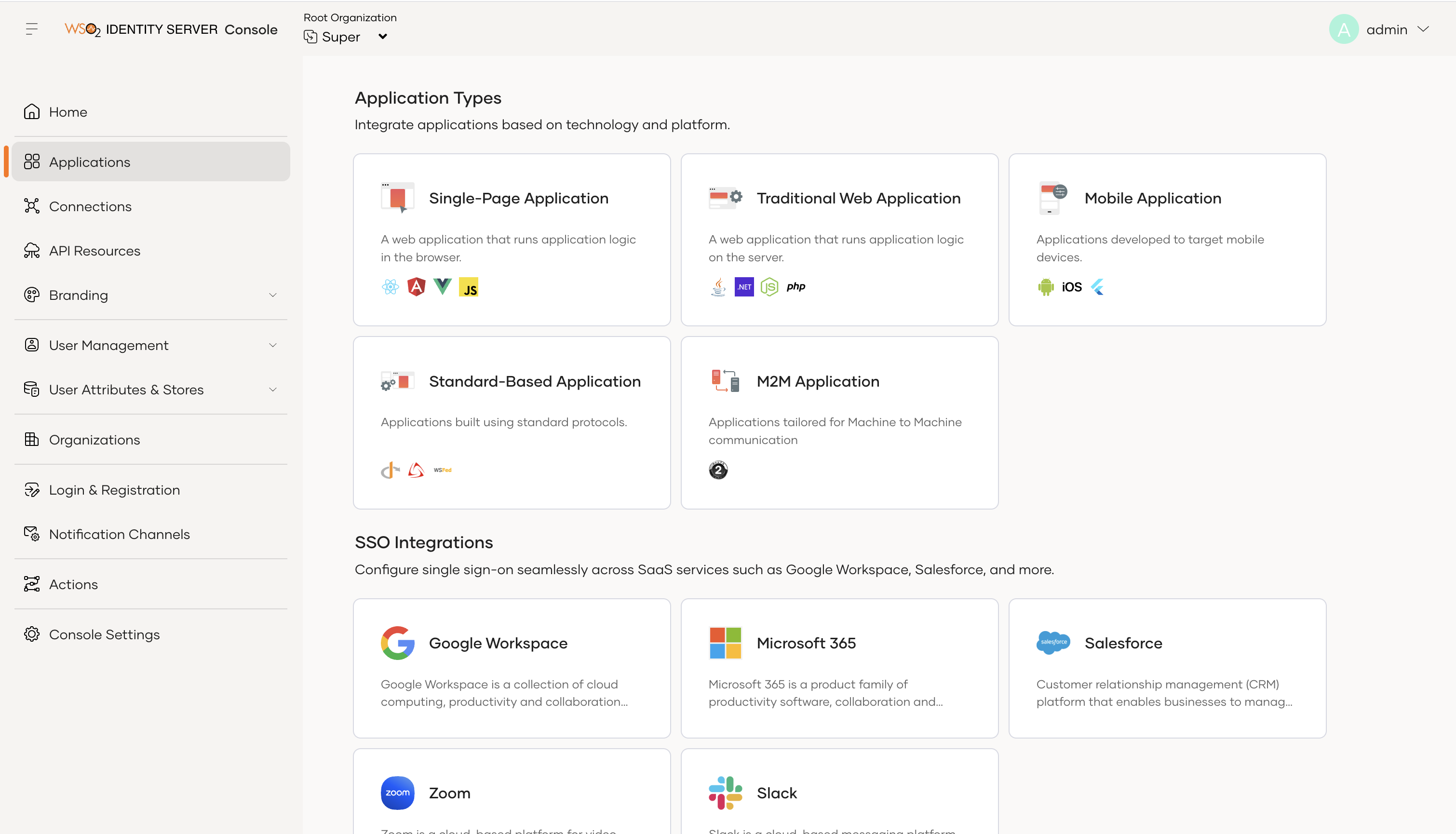
6. Select M2M Application from the options.
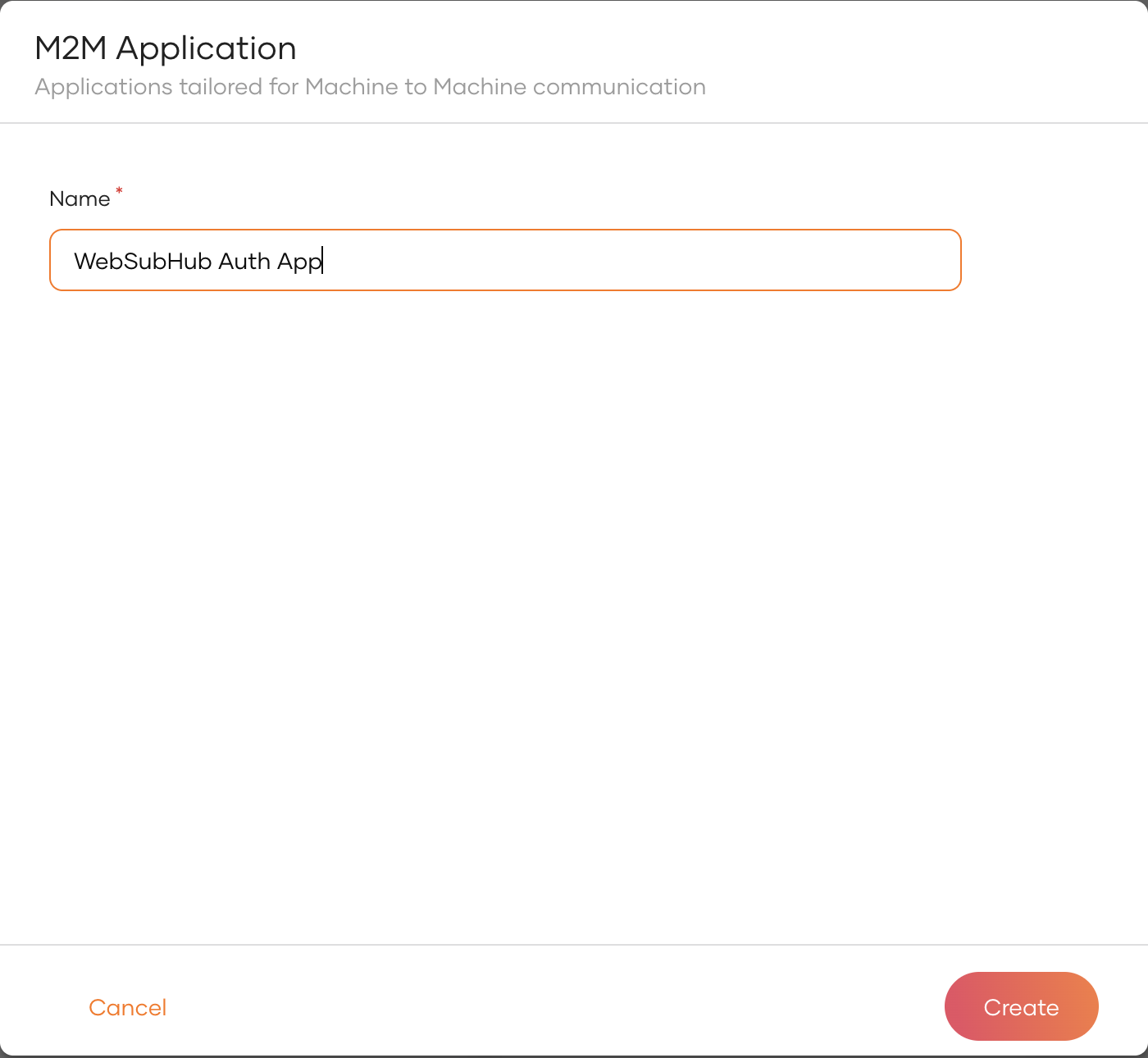
7. Update the name and click on Create.
8. Navigate to the Protocol section on the top navigation.
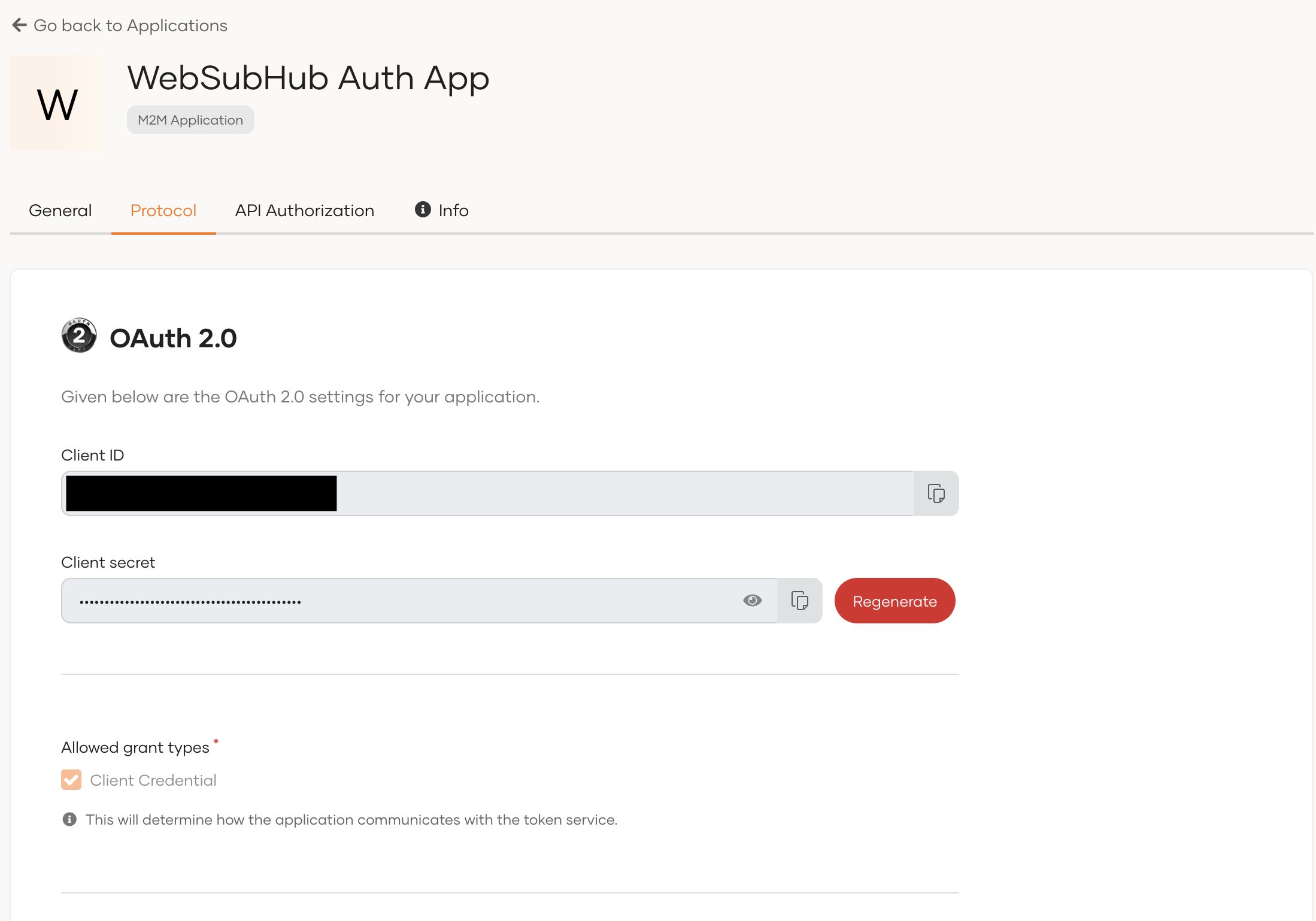
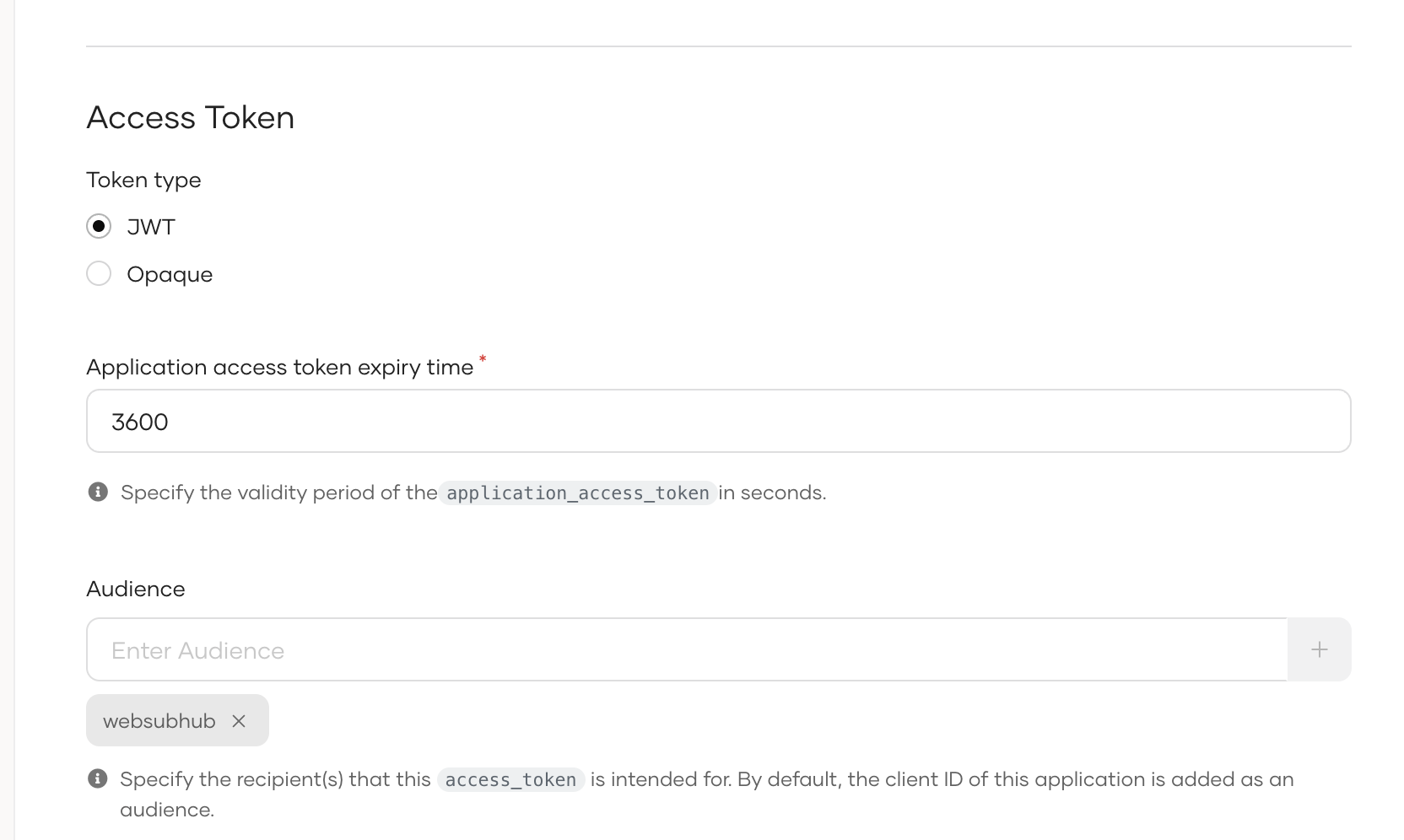
9. Update the Token Type to JWT and add an Audience called websubhub and click Update.
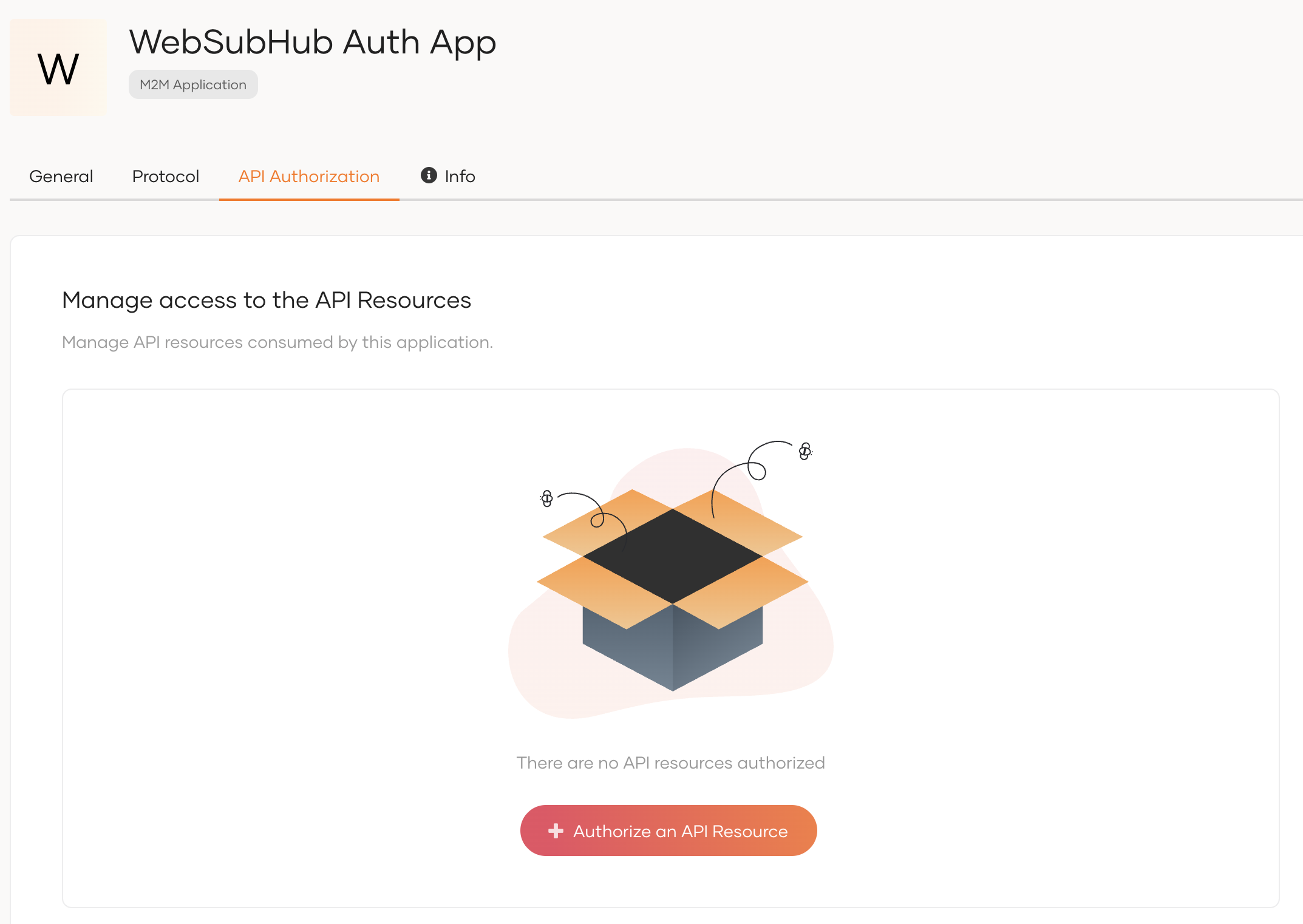
10. Then navigate to the API Authorization section on the top navigation and click on + Authorize an API Resource.
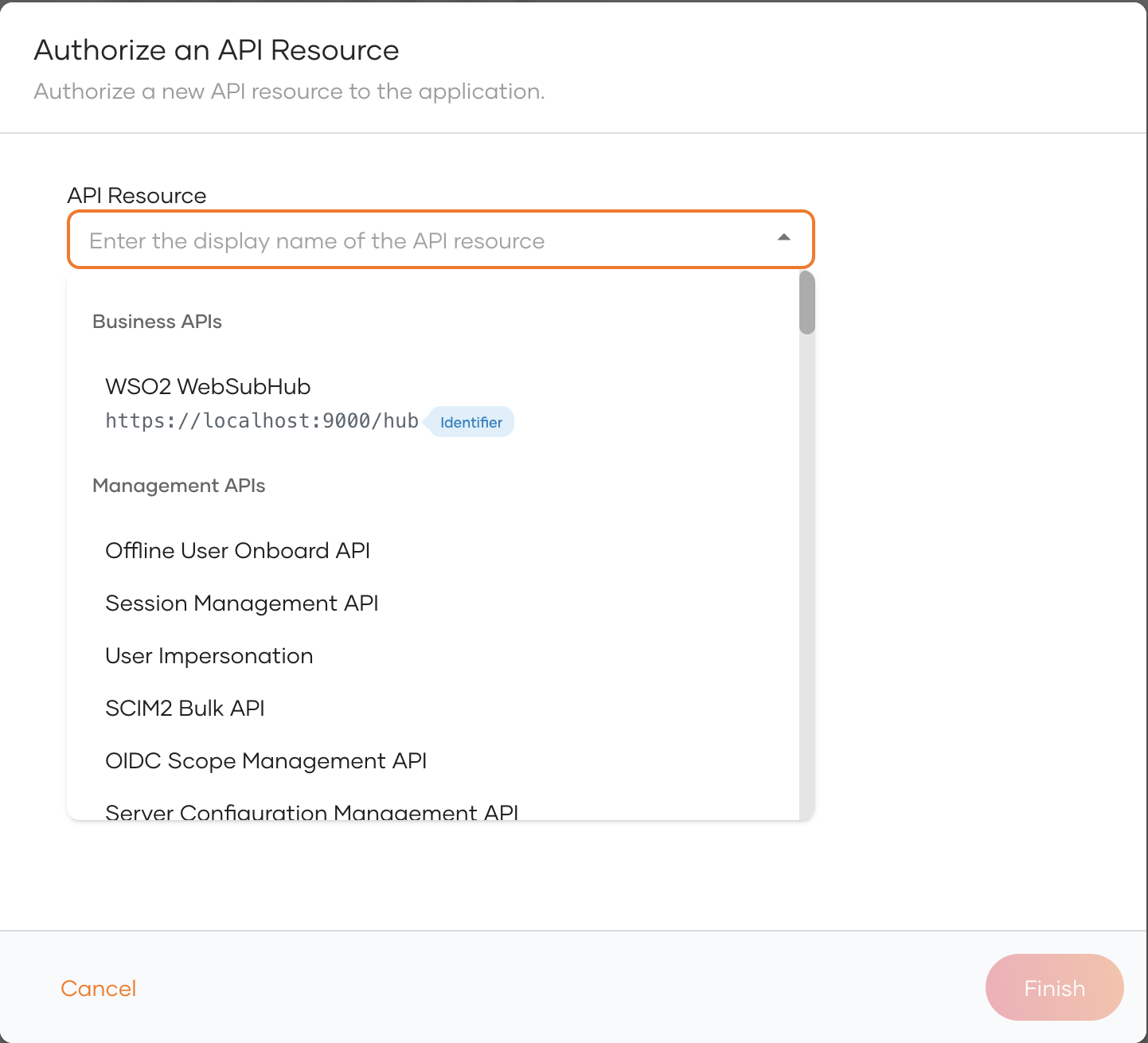
11. Select the previously created WSO2 WebSubHub API resource from the drop down.
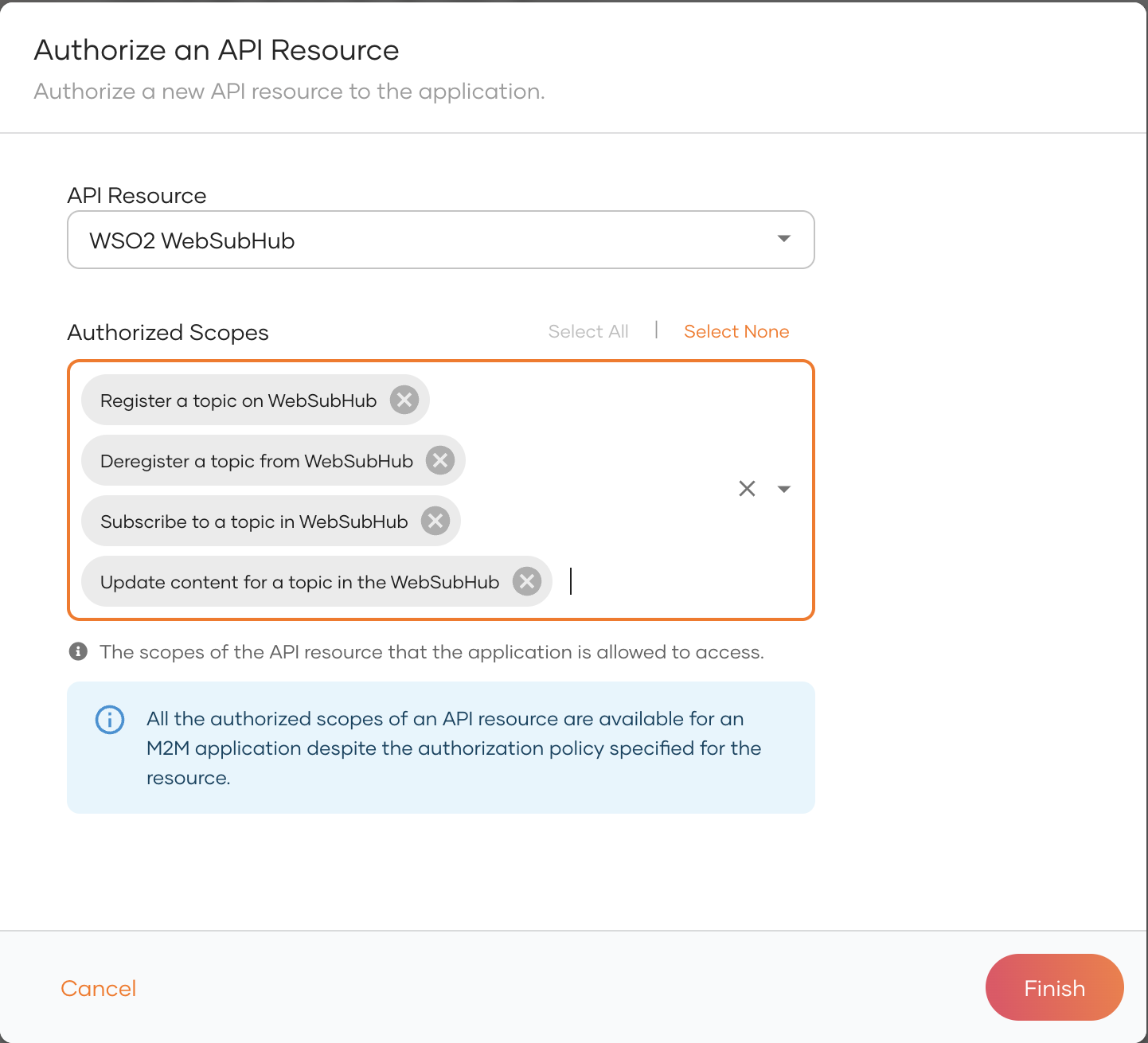
12. Click on Select All in the Authorized Scopes section and click on Finish.
13. Now use the following cURL command to retrieve the access token from the WSO2 Identity server.
    $ curl -u <client-id>:<client-secret> \
        -d "grant_type=client_credentials&scope=<scopes>" \
        https://localhost:9443/oauth2/token -k
Step 2: Configure the WSO2 Integrator: WebSubHub
Add the configurations related to the WebSubHub authentication in the conf/Config.toml and restart the WebSubHub.
    [websubhub.config.server.auth]
    issuer = "https://localhost:9443/oauth2/token"
    audience = "websubhub"
    signature.url = "https://localhost:9443/oauth2/jwks"
    signature.secureSocket.disable = true
Step 3: Invoke WSO2 Integrator: WebSubHub operations
Use the following cURL command to retrieve an access token from the WSO2 Identity Server. In this example, the token is requested with the register_topic scope.
    $ curl -u <client-id>:<client-secret> \
        -d "grant_type=client_credentials&scope=register_topic" \
        https://localhost:9443/oauth2/token -k
Use the access token obtained from the above cURL command to create a new topic.
    $ curl -X POST 'https://localhost:<websubhub-port>/hub' \
        -H 'Content-Type: application/x-www-form-urlencoded' \
        -H 'Authorization: Bearer <access_token>' \
        -d 'hub.mode=register&hub.topic=<topic-name>' -k